Disclosure: this article contains an affiliate link. If you buy through it, we may earn a commission.
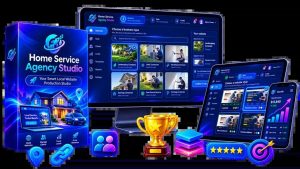
A functional Home Service Agency Studio pricing plan usually involves a clear choice between purchasing the software outright for your own agency use or selecting a license that includes rights to resell these website builds to your clients. You’ll find that this system acts as a WordPress-powered website studio designed to help you build and sell sites for home service businesses without needing to handle complex coding or design work from scratch.
What the studio service includes
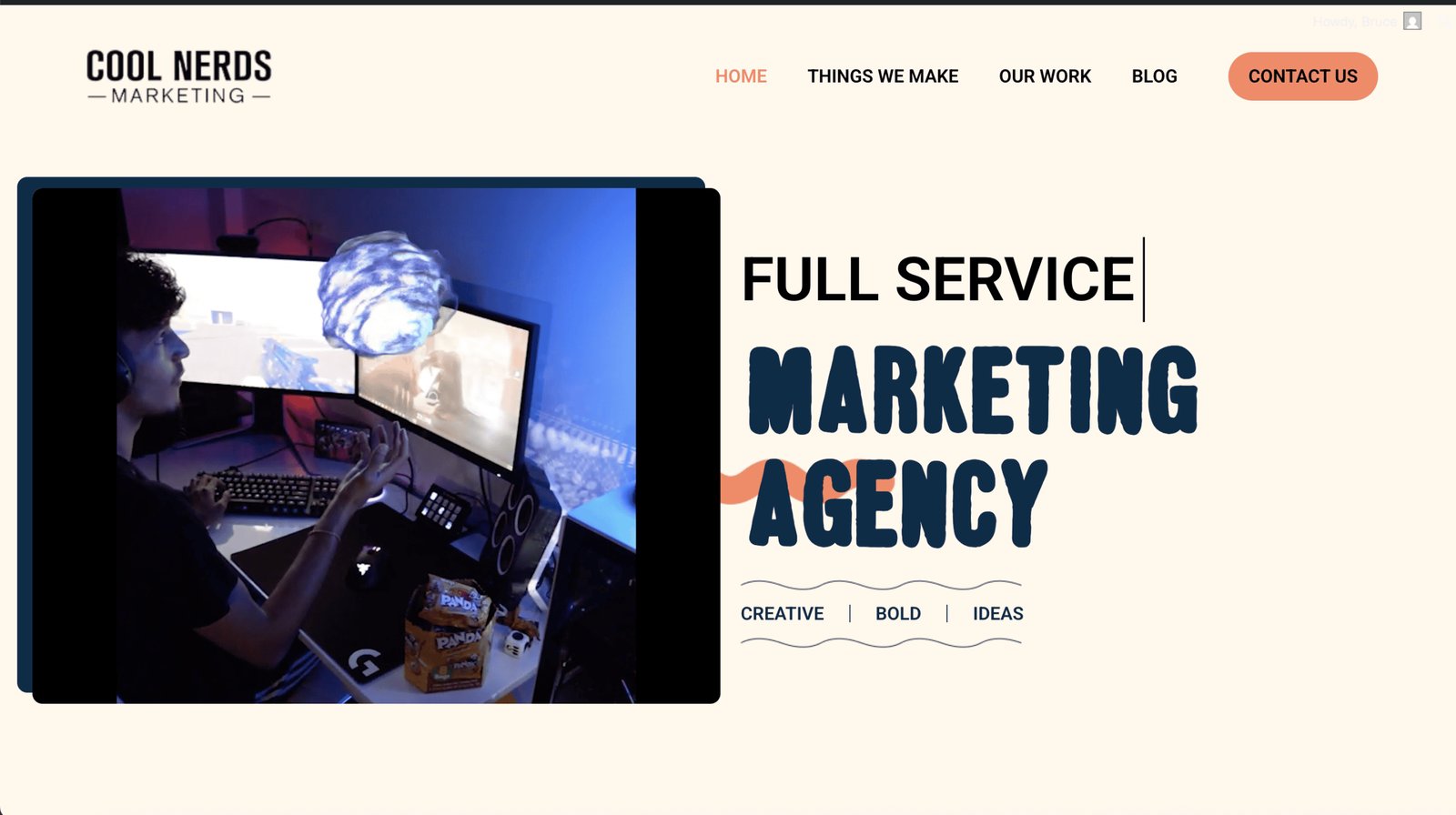
This tool is built specifically for people who want to serve home service businesses—such as plumbers, electricians, or landscapers—with professional websites. Instead of starting every project with a blank screen, the studio provides a foundation. You install the system directly into WordPress, which turns your site into a workspace where you can manage projects, personalize demos, and prepare final deliveries for your clients.
The primary goal of this studio is to make the process of creating and selling websites repeatable. When you have a set system, you don’t spend hours trying to figure out the layout or the structure for every new client. You use the pre-built components to move from a prospect meeting to a completed project faster.
How the Creation Process Works
The workflow is designed to be straightforward so you can focus on selling rather than technical setup. You follow a set path to get from a new lead to a live site.
- Install the studio: You add the plugin to a fresh WordPress installation. The guided onboarding process turns the site into a dedicated delivery workspace.
- Select your foundation: You choose from 5 professional design styles. You then pair one of these styles with one of 10 niche-specific content packs.
- Personalize the demo: You fill in the specific business details, brand colors, and service descriptions for your prospect.
- Win the project: You show the prospect a credible, near-finished website direction to demonstrate your value.
- Deliver the site: Once the prospect approves, you finalize the quote settings and hand over the completed project.
Why Niche Packs Matter for Your Business
A generic website rarely impresses a business owner in a specific trade. By offering 10 distinct niche packs, the studio allows you to speak the language of the business you’re approaching. A landscaper needs to see photos of gardens and service lists for lawn care, while an electrician needs a site that highlights safety certifications and emergency call-out services.
Because the content is already built, you don’t have to write copy or search for relevant images for every single client. You select the pack that fits the prospect’s trade, and the structure is already there. This means you can approach a prospect in the morning with a demo that already looks like it was made for their specific business.
Is This Studio Right for You?
This system is built for people who want to act as a service provider for local businesses but want to bypass the steep learning curve of web development. If you’re comfortable working within the WordPress environment and prefer a structured, template-based approach to design, this will likely fit your workflow. It’s particularly useful if you want to scale up by taking on multiple clients at once, as the repeatable nature of the studio helps prevent the bottlenecks that usually occur with custom development.
However, this may not be the right fit if you’re looking to build highly complex, custom web applications that require unique backend functionality not covered by standard WordPress plugins. If you prefer total control over every line of code or if you don’t enjoy the sales process involved in approaching local business owners, you might find the template-based approach too limiting for your creative goals.
Important Considerations Before You Buy
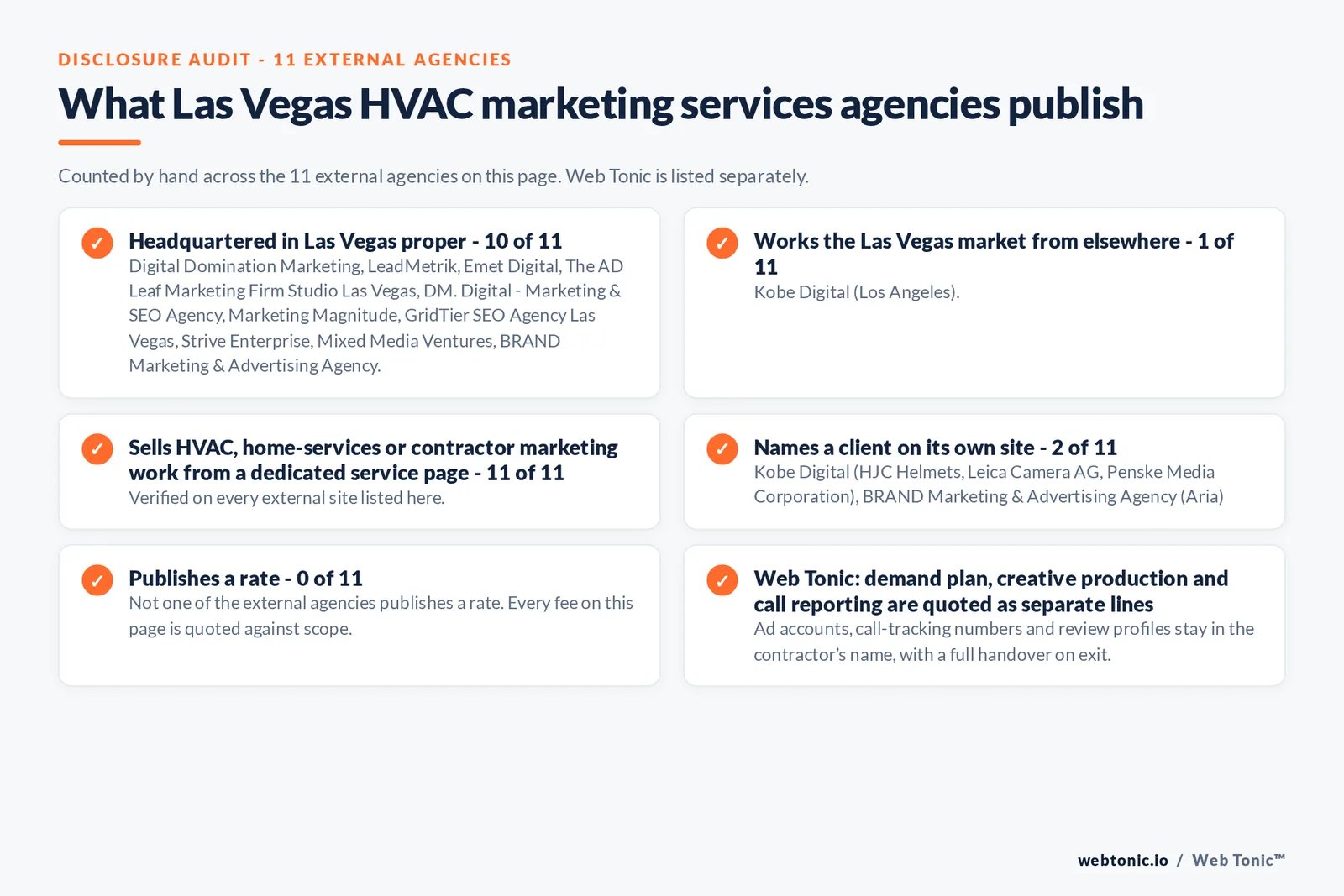
Before you commit to a purchase, you should look closely at your own technical setup and your current business model. Since this is a WordPress-based system, you must ensure you have a reliable hosting environment that can handle multiple WordPress installations if you plan to manage sites for many clients.
You should also check if the specific design styles provided align with the aesthetic standards of the local businesses you plan to target. While the styles are professional, every market has different expectations. Take a moment to review the available niche packs to confirm that they cover the specific industries you intend to serve in your local area.
Frequently Asked Questions
Does the studio include hosting for my clients?
No, the studio is a WordPress-based software tool that you install on your own hosting accounts. You’re responsible for providing the hosting environment for the websites you build and deliver to your clients.
Can I change the design styles after I start?
Yes, you can swap between the 5 professional design styles within the studio workspace. This allows you to test different looks for your prospect’s demo before you finalize the project for delivery.
Do I need to know how to code to use this?
No, you don’t need to write code to use the studio. The system is designed to handle the technical setup and design structure through the WordPress plugin, allowing you to focus on personalization and delivery.
What kind of businesses can I serve with this?
The studio includes 10 niche packs designed for home service businesses. These are trades that typically require local service websites, such as cleaning services, plumbing, landscaping, and other similar local service industries that need a professional online presence to attract customers.
Is there a limit to how many sites I can build?
The studio is a repeatable workspace designed to help your agency scale website delivery. You can build as many sites as your hosting capacity and project volume allow, provided you manage your resources effectively.
Managing Common Technical Hurdles
When working with WordPress-based studios, you might encounter issues that stem from how your server environment is configured. These are standard technical constraints that any user managing multiple websites should be aware of.
Why does my site take long to load after installing the plugin?
A slow site is often caused by the amount of data being processed during the initial setup or by low-tier hosting resources that struggle with WordPress plugins. Check your server’s memory limit and ensure your hosting provider meets the recommended requirements for running dynamic WordPress environments. If your site feels sluggish, clear your browser cache and the plugin’s temporary data, as these can sometimes hold onto outdated configurations from previous sessions.
Why are my changes not appearing on the prospect demo?
This usually happens when there’s a caching conflict between the studio plugin and your site’s caching settings. Ensure that your WordPress caching plugin is set to exclude the specific pages or the studio workspace from being cached while you’re in the middle of editing. If you’re still not seeing updates, check that you have saved the business details and brand settings within the studio’s internal interface, as these settings sometimes require a manual refresh to trigger the update on the front end.
How do I handle site permission issues during delivery?
If you find that certain elements of the site are locked or restricted, verify the user role settings within your WordPress installation. The studio is designed to manage the workspace, but your WordPress user account must have administrative access to finalize the delivery and transfer the site to the client. Always double-check that your user profile has full permissions, as restricted roles can prevent the plugin from saving changes to the niche content packs or design styles.
Comparing Your Workflow Options
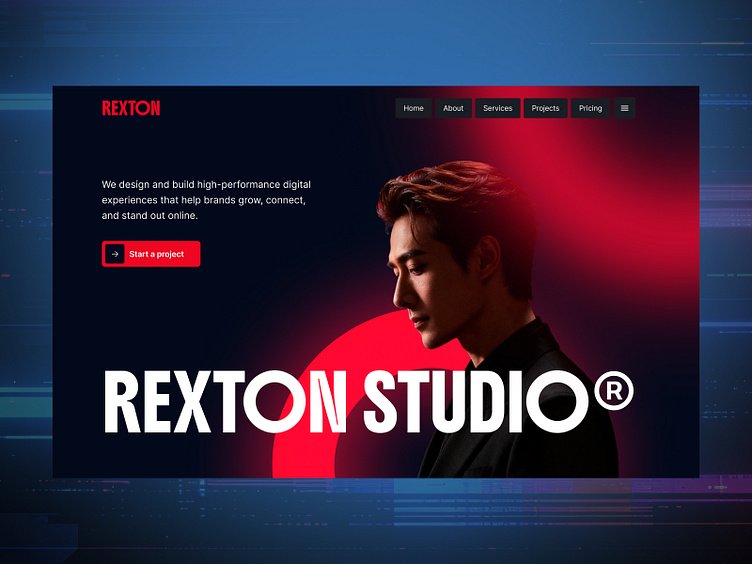
To help you decide how to best use the studio, this table breaks down how different project types affect your preparation time and the depth of personalization required for your clients.
| Project Type | Personalization Level | Estimated Prep Effort | Best Use Case |
|---|---|---|---|
| Standard Niche Pack | Low | Minimal | Quick demos for new cold leads |
| Brand-Specific Demo | Medium | Moderate | Prospects ready for a proposal |
| Full Agency Delivery | High | Significant | Clients with specific custom needs |
Troubleshooting Your Niche Pack Selection
If you’re struggling to find the right look for a client, consider how the 5 design systems interact with your 10 niche packs. A common mistake is selecting a niche pack based solely on the business type without considering the design style. For example, a landscaping business might look completely different when paired with a clean, modern design system versus a more rugged, industrial-style system. If the demo doesn’t feel right, try switching the design system first before you start editing the content. This keeps your workload low and allows you to test different visual directions without having to rewrite or re-upload your prospect’s business information.
Addressing Potential Compatibility Issues
Because this studio runs inside WordPress, its performance is tied to the themes and plugins you have active on your site. If you have other plugins that conflict with the studio’s design systems, you might see broken layouts or missing features. A simple way to isolate this is to temporarily disable other non-essential plugins to see if the studio’s functionality returns to normal. If the issue is resolved, you know that a specific plugin is causing the interference. Always keep your core WordPress installation and the studio plugin updated to the latest version, as developers often release patches that address compatibility with newer versions of WordPress.
Evaluating Your Long-Term Agency Needs
When you move from building one site to managing ten or twenty, the way you store your client data and manage your WordPress installations becomes critical. You need to ensure that your workflow is documented so that you don’t repeat mistakes. The studio helps by providing a repeatable creation process, but you’re still responsible for the final polish. Before you commit to using this for every client, build one test site from start to finish. This will show you exactly how much time you save and whether the 10 niche packs actually cover the range of industries you want to target. If you find that you’re constantly needing to modify the core content packs, you may need to factor that extra customization time into your project quotes.
Expanding Your Service Offering
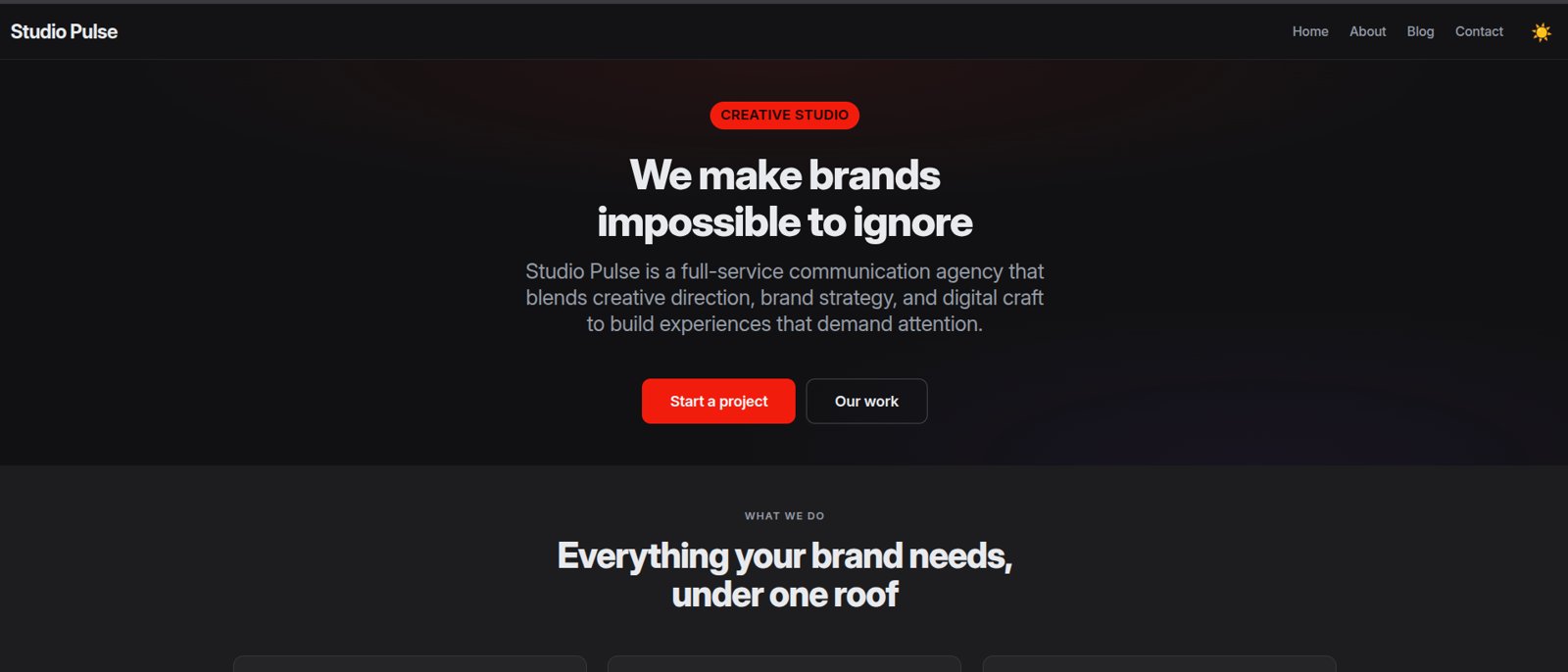
Many agencies find that they can offer more than just a website by using the studio’s delivery features. Because you can personalize the quote settings and business details within the workspace, you can present a full package that includes the site, the branding, and the service descriptions. This makes your offering look more comprehensive to the business owner. Instead of just selling a “website,” you’re selling a “digital presence” that’s ready for their customers to see. This shift in how you present your work can help you win more projects and justify the time you spend on each client.
Can I use the studio on a multisite WordPress installation?
The studio is designed for standard WordPress installations. If you’re using a multisite network, you should check your specific configuration, as plugin behavior can differ significantly in a network environment compared to a single, standalone installation of WordPress.
Does the studio handle search engine optimization?
The studio provides the structure and content for your websites, but you’re responsible for the search engine optimization strategy. You can add your own SEO plugins to the WordPress site to manage keywords, meta descriptions, and other technical factors once the site is built.
What happens if I lose my internet connection while editing?
Since the studio is a WordPress-based system, your changes are stored on your server once you save them. If your connection drops, you should ensure you have saved your progress before the connection is lost, as unsaved edits in the browser may not be synchronized with your database.
Can I export the finished site to a different host?
Yes, because the finished project is a standard WordPress site, you can use standard migration tools to move the completed website from your development environment to your client’s final hosting account. Ensure you have a clear process for moving files and databases to avoid errors during the transfer.
Are the design styles customizable?
The 5 design styles provide the foundation for your websites. While they’re designed to be a starting point, you can further personalize the demo by updating the business details, brand colors, and service descriptions to meet the specific requirements of your prospect’s business.
Is the studio compatible with every WordPress theme?
The studio functions as a specific WordPress-powered workspace. It’s best used as the primary foundation for your agency sites rather than trying to force it to work inside an existing, complex theme, which could create layout conflicts or break the studio’s intended design structure.
Final Thoughts
Choosing the right path today will help you scale your business faster than you’d expect. You don’t have to build everything from the ground up when these tools are ready to go. Take a moment to explore the license options, pick what fits your goals, and start growing your agency’s income this week.