
Motionvid AI makes pro motion graphics from plain text in seconds.
Stuck in After Effects loops, keyframes, and complex timelines? I have been there. When a client wants a fast explainer, a product promo, or a clean map animation, the clock ticks and the budget drops. Motionvid AI changes that flow. I type what I want, drop in a reference image, and get polished motion graphics with no heavy setup. The tool turns prompts into map routes, charts, and device mockups that look ready for ads. If you hate wrestling with tutorials or broken keyframes, this review of the Motionvid AI Lifetime Deal is for you.

What is Motionvid AI?
Motionvid AI is a text-to-motion platform that creates motion graphics, map animations, explainer videos, and one-page infographics from plain-language prompts. You can upload a reference image, ask for color changes, and tweak timing or transitions with simple commands. It includes AI image generation, infographic templates, and promo mockups, so you can build short videos fast without keyframes or complex timelines.
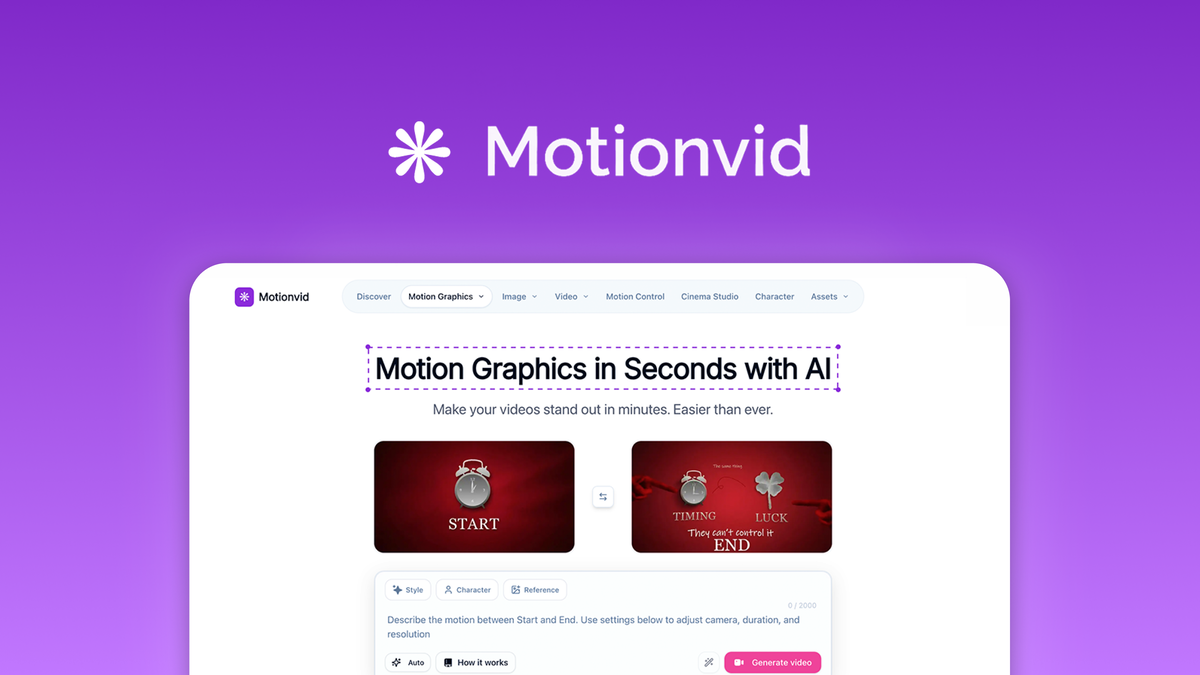
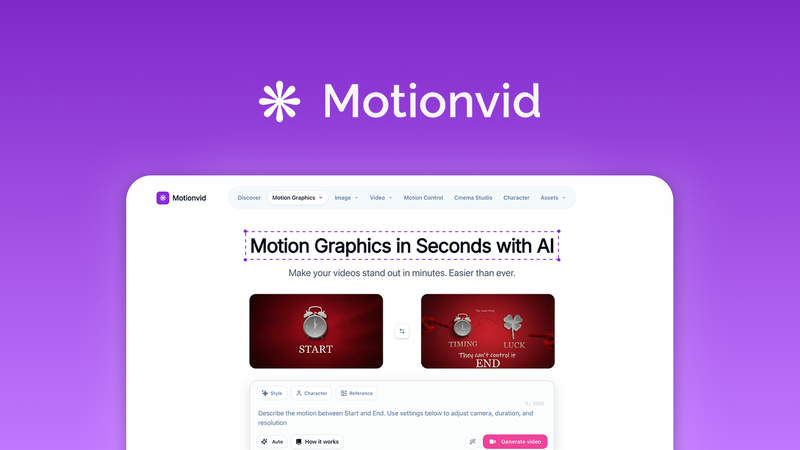
My Personal Experience & In-Depth Walkthrough:
For the last 48 hours, I used Motionvid AI on real tasks. I built a product promo, a travel route map for a blog, a chart animation for a report, and a short explainer. I wanted to see if this tool could replace my template hunting and manual keyframing.
I started with a simple prompt: “Create a 15-second product teaser. Modern style. Blue and charcoal colors. Fast cuts.” I added a reference image of the product. Motionvid AI generated a clean sequence with bold text, smooth transitions, and subtle motion accents. I typed “slow the outro” and “shift blue to #0A84FF.” It updated in seconds. That text-based editing is a huge pro. I did not touch a timeline.
Next, I tested map animations. I entered two cities, asked for a travel route with markers, and set a 10-second pace. It drew a smooth path, faded in labels, and held the end state. This feature is gold for tours, logistics, or education. A small con: map styling options are good, but not deep. If you expect custom tile sets or GIS-level control, you will feel limits.
For charts, I used the data-driven templates. I pasted my values, picked a bar chart, and asked for “soft ease-in, 2s per bar.” It looked clean and on-brand. The text-to-edit flow saved me time. The chart styles are solid for most explainers. If you want heavy data art, you might want more fine control.
I also tested ad creatives. I dropped screenshots into device-frame templates and added animated captions and callouts. Then I resized for landscape, square, and vertical. The reformatting worked well. No need to rebuild. That is a big win for multi-platform campaigns.
The built-in AI image generator helped me get quick icons and background textures. Some images were great on the first try. Others needed a second pass. That is normal for AI art. Still, it was fast to produce hybrid videos by combining AI images and text-to-motion.
Exports were smooth. I rendered MP4 in 1080p. Render time was reasonable, but during a busy window I saw a slight queue. Not a deal-breaker, but note it if your deadlines are tight. I missed deep timeline control in a few edge cases. But that trade-off is why Motionvid AI feels fast for most users.
Bottom line: Motionvid AI cut my production time by more than half for simple to mid-level motion graphics. It shines for explainers, social ads, map routes, and quick infographics. Power users may still open their NLE for niche polish, but for speed and quality, this is a smart tool.

What Makes It Stand Out / Key Features
- Text-to-motion engine: Generate motion graphics from plain-language prompts without keyframes
- Map animations: Add travel routes, markers, and labels for clear geographic stories
- Explainer and chart templates: Build data-driven videos that make complex ideas easy
- Ad creative tools: Device frames, captions, and callouts; fast resizing for any aspect ratio
- AI image generation: Create icons, textures, and assets inside the app
- One-page infographics: Turn ideas into visual summaries in seconds
- Prompt-based editing: Change colors, timing, and transitions by typing what you want
- Hybrid video workflow: Combine AI images with text-to-motion for richer scenes

What I Like
- I can describe a scene and get a polished motion in seconds
- Map routes with markers are fast and look clean for travel or logistics
- Resizing to vertical, square, or landscape saves me hours for ad versions
- Chart animations from simple data feel pro without fuss
- Prompt-based edits beat timeline scrubbing for speed and clarity
- AI images inside the tool reduce my back-and-forth with other apps
- Templates give me a strong start, even under tight deadlines
- Exports look sharp and client-ready for social and web

What Can be improved
- I want more advanced timeline and easing controls for complex scenes
- Render queues can slow down during peak times
- AI image results can feel generic; prompts may need a few tries
Pricing And Affordability
Below is a simple view of the current lifetime plans as listed at the time of this Motionvid AI review. Pricing and quotas can change. Always check the deal page before you buy.
| Plan (Lifetime) | Best For | Core Limits | Notable Includes |
|---|---|---|---|
| Tier 1 — $39 | Solo creators | Entry-level monthly render quota; AI image credits; 1080p exports | Text-to-motion, map animations, explainer/chart templates, one-page infographics |
| Tier 2 — $79 | Growing teams | Higher monthly render quota; more AI credits; 1080p/2K exports | More templates, faster queues, multi-aspect resizing, caption/callout packs |
| Tier 3 — $119 | Agencies | Top render quota; highest AI credits; priority rendering; 2K+ exports | Advanced template library, larger asset storage, team-friendly features |
Note: The exact quotas, resolutions, and entitlements may evolve. Check the live deal page for the latest specifics and limits.

Why should you buy Motionvid AI
If you want fast motion graphics without the pain, Motionvid AI delivers. It turns prompts and reference images into clean animations, maps, explainers, and infographics in minutes. I like how I can edit colors, timing, and transitions by typing, not by clicking through a timeline. The built-in AI image generator and ready templates keep me inside one tool. For social ads and product promos, the aspect-ratio switch is a big time-saver. With the Motionvid AI Lifetime Deal, you pay once and use it for the long run. If you need speed, clean results, and low learning curve, this is a strong buy.
Lifetime Deal Overview of Motionvid AI
| Item | Details |
|---|---|
| Access Type | One-time purchase for lifetime access |
| Typical Refund Window | 60-day return window from purchase (subject to platform policy) |
| Code Stacking | Multi-tier licenses available; higher tiers unlock more limits |
| Updates | Ongoing product updates included in the lifetime access |
| Redemption | Activate within the stated redemption period after purchase |
| Use Cases | Explainer videos, ad creatives, map routes, charts, infographics, AI images |
Comparison With Competitors of Motionvid AI
| Product | Text-to-Motion Prompts | Map Animations Built-In | Infographics/Charts | Pricing Model | Learning Curve | Best For |
|---|---|---|---|---|---|---|
| Motionvid AI | Yes | Yes | Yes | Lifetime deal | Very low | Fast explainers, ads, maps |
| Runway | Yes | No | Limited | Monthly | Low–medium | AI video gen and edits |
| Canva (Video) | Limited | No | Yes (basic) | Monthly | Very low | Social content and templates |
| Animaker | Template-based | No | Yes | Monthly | Low | Animated explainers |
| After Effects | Manual (no native prompts) | Plugins only | Via templates | Monthly | High | Advanced custom motion |

FAQ Of The Motionvid AI Lifetime Deal Review
Is Motionvid AI beginner-friendly?
Yes. You type what you want and the tool builds the motion. You can edit colors, timing, and transitions with simple prompts. No keyframes needed.
Can Motionvid AI make map animations with routes and markers?
Yes. It can animate travel paths, add markers, and label locations. It is great for tours, logistics, and education content.
Does Motionvid AI support different aspect ratios for ads?
Yes. You can switch between landscape, square, and vertical without rebuilding the video. This is ideal for multi-platform campaigns.
Can I create charts and one-page infographics?
Yes. You can paste your data into chart templates and build one-page infographics fast. These work well for reports and explainers.
What formats and quality can I export?
You can export video files ready for social and web. Available resolutions and limits depend on your selected lifetime tier. Check the live deal page for exact specs.
Conclusion
Motionvid AI is a fast, friendly way to make motion graphics, map animations, explainers, and infographics from text. In my tests, it cut production time while keeping quality high. Prompt-based edits, template depth, and easy resizing make it perfect for social ads and short explainers. If you value speed and clear results without a steep learning curve, the Motionvid AI Lifetime Deal is worth it. It is a smart buy for creators, marketers, and teams who want pro visuals fast.




