
Are you looking for a simple and effective way to send emails that get noticed? Brevo makes it easy for you to connect with your audience, whether you’re reaching out to customers, clients, or team members.
In this guide, you’ll discover step-by-step how to use Brevo to send emails that stand out and deliver results. By the end, you’ll have the confidence to create and send powerful emails that grab attention and drive action. Keep reading, and let’s get started!
Setting Up Brevo Account
Starting with Brevo is simple and quick. Setting up your account correctly helps send emails smoothly. This section guides you through the first steps to get your Brevo account ready.
Creating Your Account
Visit the Brevo website to begin the sign-up process. Enter your email address and create a strong password. Confirm your email by clicking the link sent to your inbox. This step secures your account and verifies your identity. After verification, log in to access your new dashboard.
Configuring Profile Settings
Once logged in, go to profile settings. Fill in your name and company details. Add your contact information for better communication. Choose your time zone to schedule emails correctly. Set your preferred language to make navigation easier. Save all changes before leaving the page.

Credit: help.brevo.com
Importing Contacts
Importing contacts is the first step in sending emails with Brevo. You need to add your contacts to start creating email campaigns. Brevo offers simple ways to add contacts. You can add them one by one or upload a list. Organizing contacts helps send the right message to the right people.
Adding Contacts Manually
Start by opening the contacts section in Brevo. Click on the option to add a new contact. Fill in details like name and email address. You can add phone numbers or other information if needed. Save each contact after entering the details. This method is best for a few contacts. It takes time but helps keep data accurate.
Uploading Contact Lists
Brevo lets you upload contact lists in CSV or Excel format. Prepare your list with columns like name, email, and phone number. Go to the contacts section and select upload. Choose your file and map the columns to match Brevo’s fields. Check for errors before importing. This saves time if you have many contacts. The system will add all contacts to your account at once.
Organizing Contacts With Tags
Tags help group contacts by common traits. You can create tags like “customers,” “subscribers,” or “leads.” Assign tags while adding or uploading contacts. Tags make it easy to send targeted emails. You can filter contacts by tags in the contact list. This keeps your email campaigns organized and focused.
Designing Email Campaigns
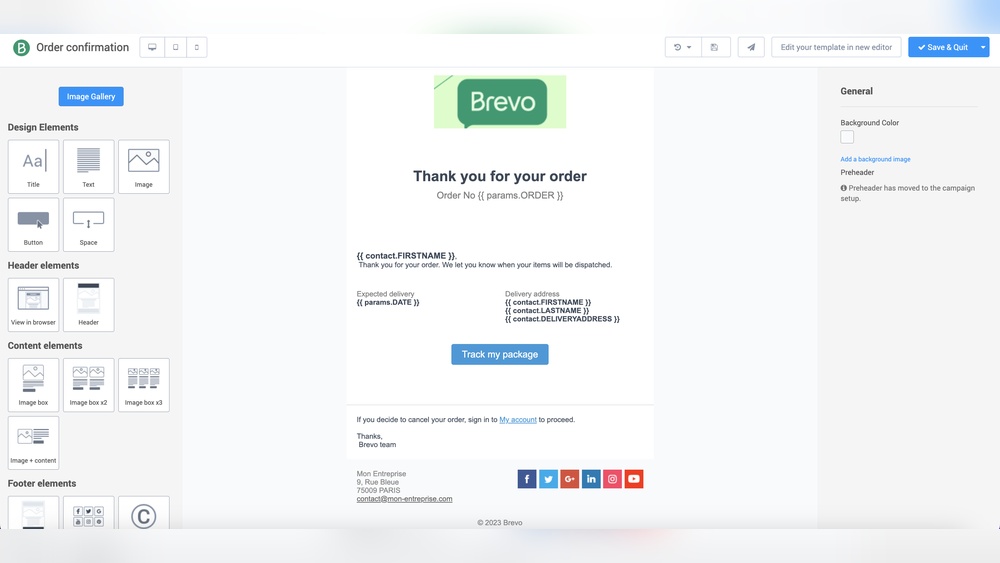
Designing email campaigns in Brevo is simple and effective. The tool offers many features to create emails that catch attention and communicate clearly. You can start with ready-made templates or build your own design. Each step lets you change the look and feel to match your brand and message.
Choosing Email Templates
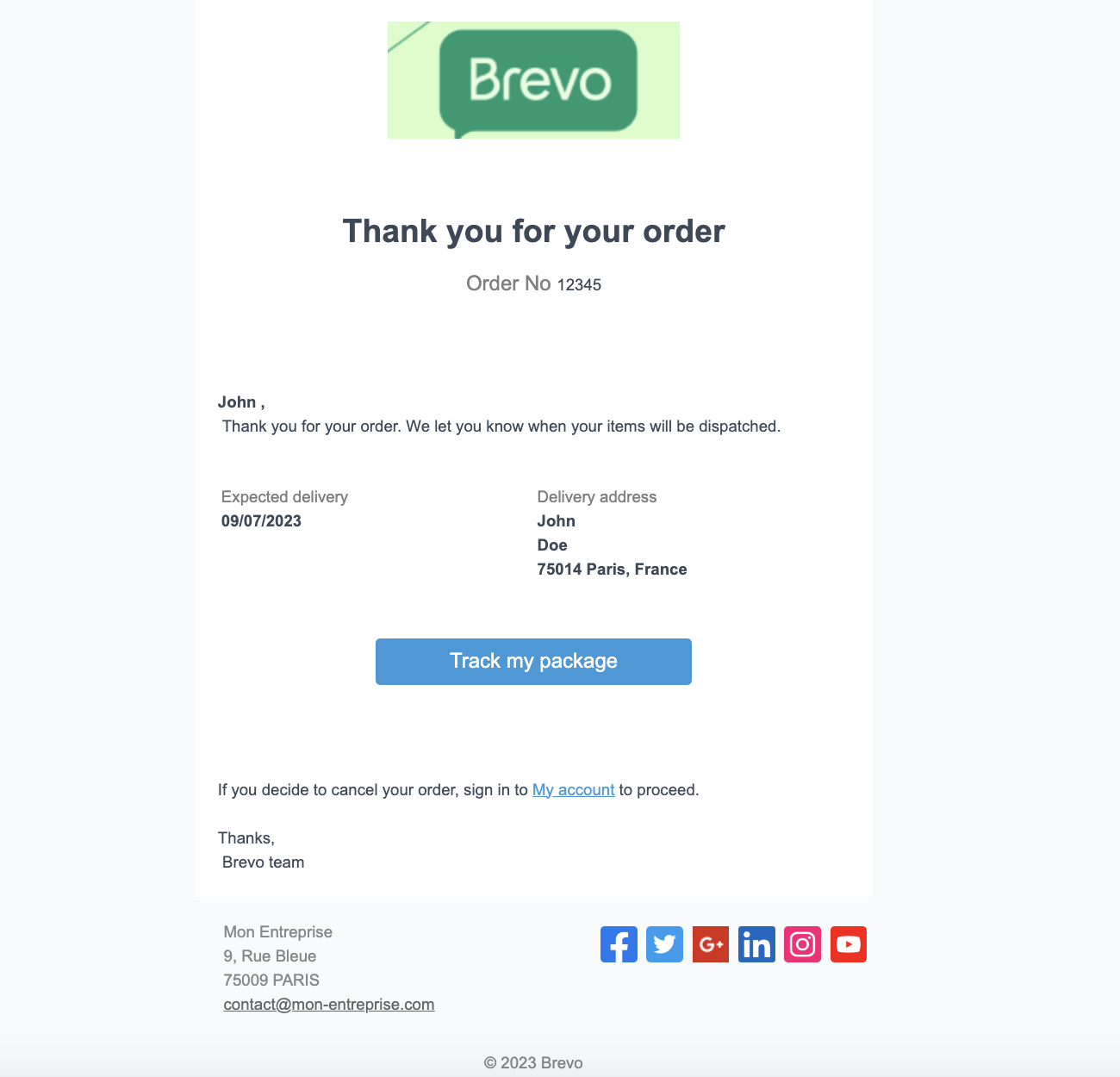
Brevo provides a variety of email templates for different goals. Pick one that fits your campaign style. Templates save time and help keep your emails professional. You can choose based on your message type, like promotions, newsletters, or announcements. Each template is mobile-friendly and easy to use.
Customizing Email Content
Edit the text in your email to speak directly to your audience. Brevo’s editor lets you change fonts, colors, and sizes. Keep your message clear and short. Use simple words that everyone can understand. Personalize emails by adding names or special offers to make readers feel valued.
Adding Images And Links
Visuals make emails more interesting. Upload images that support your message. Brevo allows easy drag-and-drop for pictures. Make sure images are clear and relevant. Add links to guide readers to your website or special pages. Use clear link text so readers know where they will go.
Managing Campaign Settings
Managing campaign settings in Brevo helps you control how your emails reach the audience. It lets you choose who gets the email, when they get it, and how it looks just for them. Careful settings improve your email results and keep your contacts happy.
Setting Recipients And Segments
Select your email recipients carefully to send relevant messages. Brevo allows you to pick entire lists or smaller groups called segments. Segments help target people based on their actions or details. This focus increases the chance your email will be opened and read.
Scheduling Email Sends
Choose the best time to send your emails with Brevo’s scheduling tool. You can set a date and time that fits your audience’s habits. Scheduling helps your email arrive when readers are most likely to check their inbox. It saves you time by automating the send process.
Personalizing Emails
Make each email feel special with personalization options. Add the recipient’s name or other details in the message. Personal touches make emails more engaging and less like spam. Brevo lets you insert custom fields easily for each contact.
Sending And Monitoring Emails
Sending and monitoring emails is a key part of any email marketing strategy. It helps you reach your audience and see how they interact with your messages. Brevo offers tools that make this process simple and clear. You can send emails to many people and check important data about your campaign’s success.
Launching Your Campaign
Start by creating your email list and choosing your message. Use Brevo’s easy editor to design your email. Add images, text, and links that fit your goal. Set your audience and schedule when to send the email. Click the send button to launch your campaign. Brevo will deliver your email to all your contacts quickly and safely.
Tracking Open And Click Rates
Brevo tracks who opens your email and clicks your links. This data shows how well your message works. Open rates tell you how many people read your email. Click rates show which links catch attention. Use these numbers to understand what your audience likes. Brevo updates these stats in real time for quick review.
Analyzing Campaign Performance
Check Brevo’s dashboard to see overall results of your campaign. Look at open rates, click rates, and bounce rates. Bounce rates show emails that did not reach inboxes. Study this data to find ways to improve future emails. Adjust your content or timing based on what works best. This helps make your next campaign more effective.
Credit: developers.brevo.com
Automating Email Workflows
Automating email workflows saves time and improves communication. Brevo offers simple tools to create automated email sequences. These workflows send the right emails at the right time. They help nurture leads and keep contacts engaged without manual work.
Creating Automation Triggers
Automation starts with triggers. A trigger is an action that begins the workflow. Examples include when someone subscribes or clicks a link. Brevo lets you choose triggers based on user behavior or data changes. This ensures emails send automatically after the trigger happens.
Setting Up Drip Campaigns
Drip campaigns send a series of emails over time. Brevo allows you to create these campaigns with ease. You set the schedule and content for each email. Drip campaigns keep your audience engaged step by step. They help build trust and guide contacts through your sales funnel.
Managing Automation Rules
Automation rules control how workflows behave. Brevo lets you add conditions to emails and actions. For example, send a follow-up only if the contact opened the previous email. You can also pause or stop workflows based on rules. Managing rules helps keep your email campaigns relevant and effective.
Handling Deliverability And Compliance
Handling deliverability and compliance is key to successful email campaigns with Brevo. Emails must reach the inbox, avoid spam, and respect laws. This keeps your audience happy and your sender reputation strong.
Improving Inbox Placement
Brevo offers tools to improve inbox placement. Use verified sender addresses to build trust. Clean your email list regularly to remove inactive addresses. Personalize emails to increase engagement. Avoid spammy words and large attachments. Monitor your sender reputation to stay in good standing.
Managing Unsubscribes And Bounces
Brevo automatically handles unsubscribes and bounces. It removes users who opt out to respect their choice. Hard bounces get removed to keep your list clean. Soft bounces are retried but monitored closely. Managing these keeps your list healthy and improves delivery rates.
Ensuring Gdpr Compliance
Brevo helps follow GDPR rules for email marketing. Collect clear consent before sending emails. Provide easy options to unsubscribe or update preferences. Store data securely and respect user privacy. Send only relevant content to those who agreed. This builds trust and avoids penalties.
Credit: www.gravityforms.com
Frequently Asked Questions
How Do I Create An Email Campaign In Brevo?
To create an email campaign in Brevo, log in and select “Create Campaign. ” Choose a template, customize content, and add recipients. Finally, review and send or schedule your email for delivery.
Can I Track Email Performance Using Brevo?
Yes, Brevo provides real-time analytics to track open rates, clicks, and bounce rates. This helps you measure campaign success and optimize future emails.
What Are The Best Practices For Brevo Email Design?
Use a clean layout, clear call-to-action, and mobile-friendly templates. Personalize emails with recipient names for better engagement and always test before sending.
Is It Possible To Automate Emails In Brevo?
Brevo supports automation by setting triggers like sign-ups or purchases. Automated workflows save time and deliver timely, relevant messages to your audience.
Conclusion
Using Brevo makes sending emails simple and fast. You can create, edit, and send messages with ease. The tools help you reach your audience clearly. Tracking your emails shows what works best. Keep practicing to improve your email skills. Start small, then try more features.
Brevo fits well with any email plan. Stay consistent and watch your emails perform better. This guide helps you get started today.




