Disclosure: this article contains an affiliate link. If you buy through it, we may earn a commission.
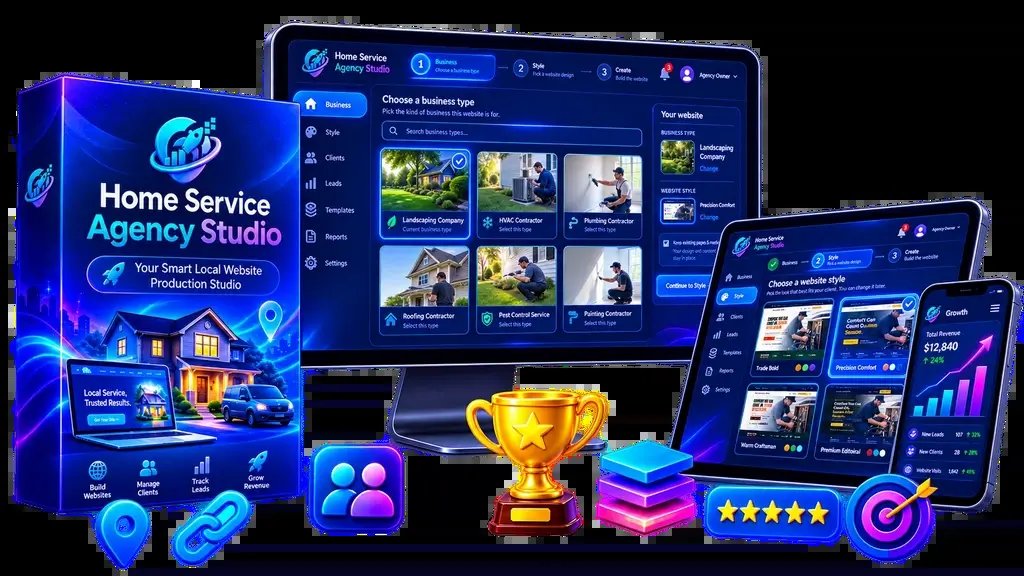
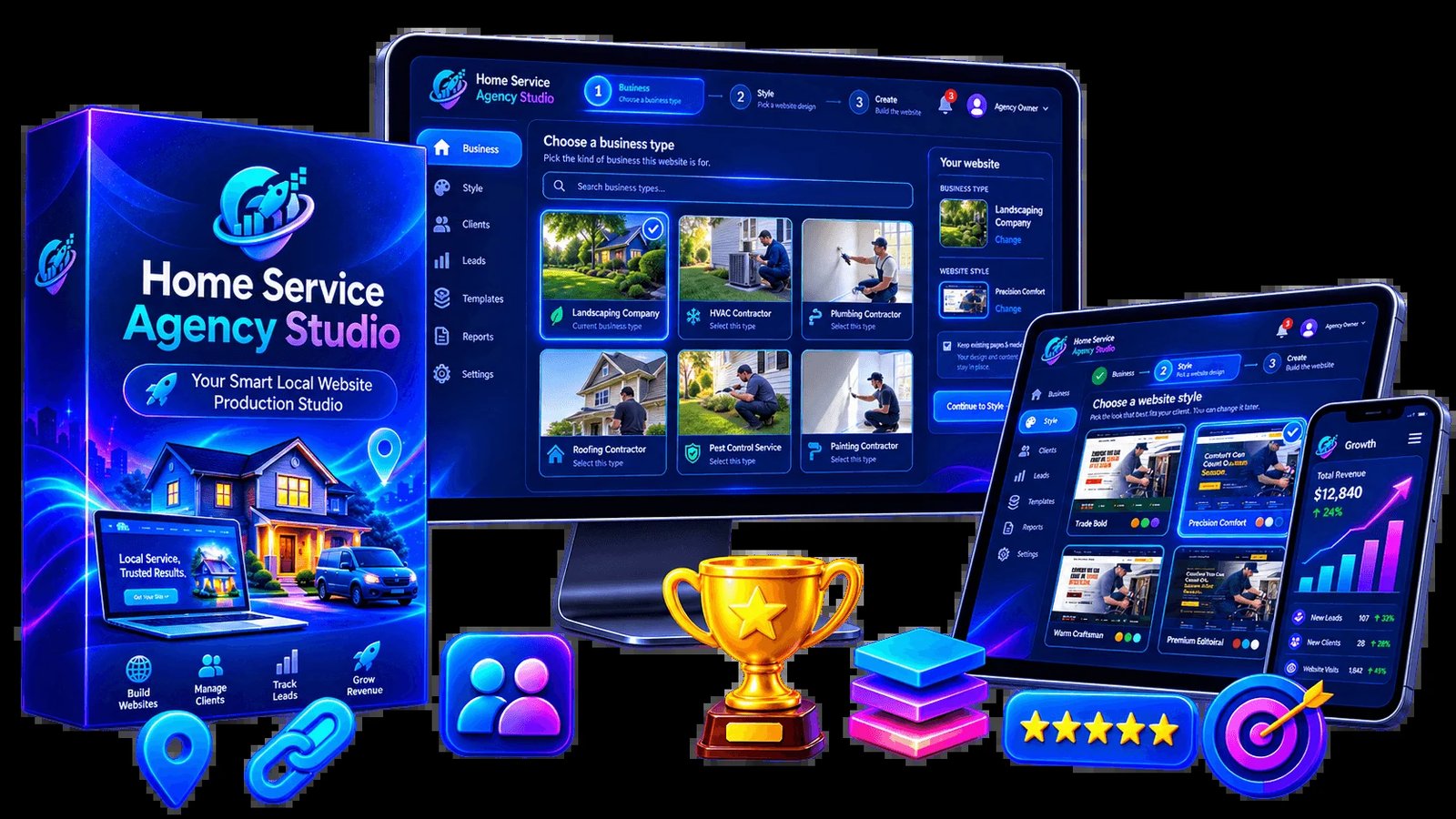
What is Home Service Agency Studio is a specialized WordPress-based platform designed to help you build, showcase, and deliver professional websites for home service businesses without requiring manual coding or design skills. By providing a structured workspace directly inside your own site, it allows you to create Home Service Agency Studio projects that include pre-built styles and industry-specific content.
How the Home Service Agency Studio Operates
The software functions as a dedicated workspace that lives within a standard WordPress installation. It removes the need for you to start from scratch for every client, which typically saves time and reduces the technical complexity of setting up a new project.
- Install the workspace: You add the studio plugin to a fresh WordPress site. The guided onboarding process turns your dashboard into a specialized area for creating and managing website projects.
- Select your design and niche: You choose from 5 professional design systems and match them with one of 10 niche-specific content packs. This combination provides a tailored starting point for different types of home service businesses.
- Personalize the demonstration: You input the specific business details, branding, services, and pricing information for a prospect. This allows you to present a polished, credible preview of what their site will look like.
- Finalize and deliver: Once the prospect approves the demo, you complete the remaining project tasks within the studio. The platform is built to handle the transition from a sales demo to a finished site ready for client delivery.
Key Features and Real-World Application
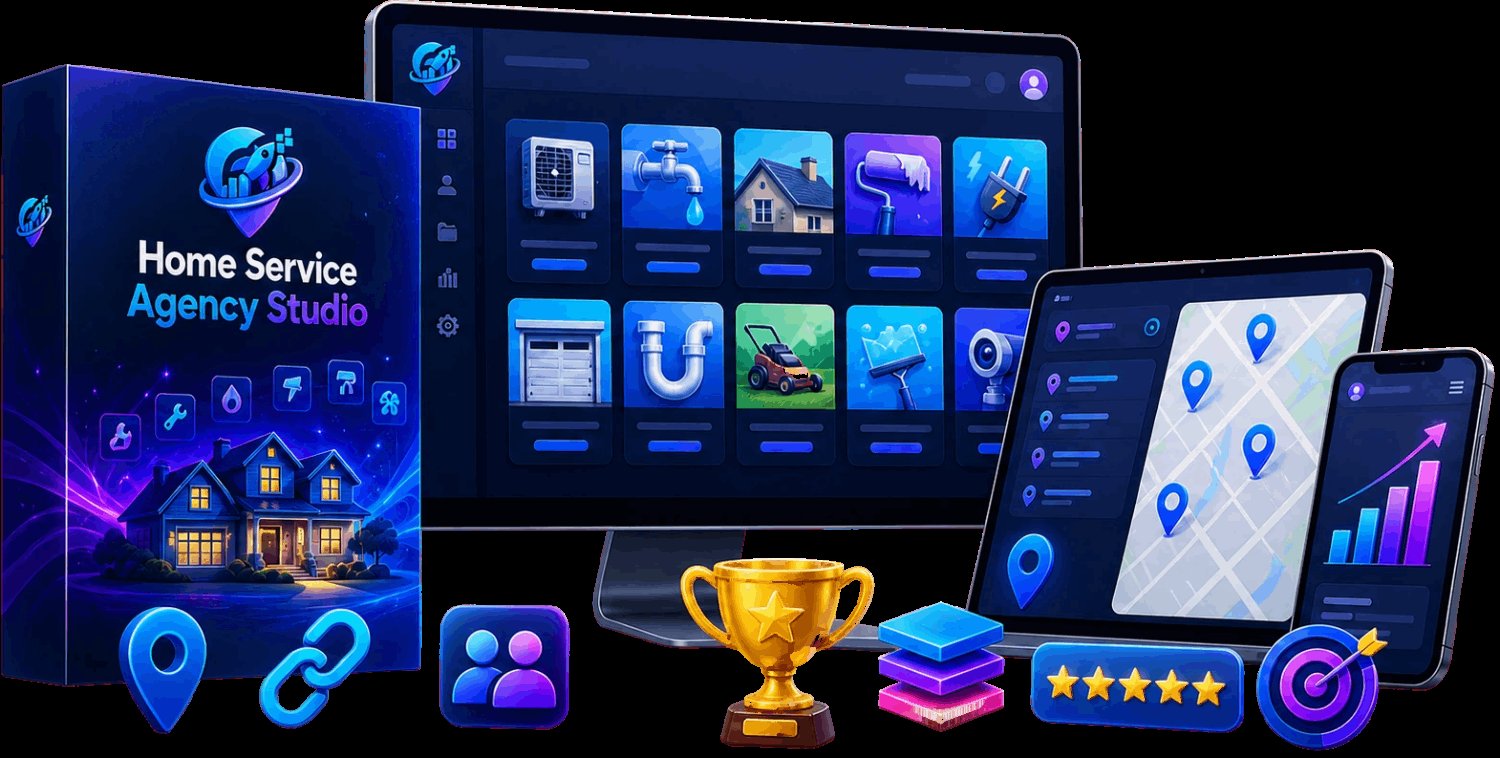
Understanding how these tools function helps you decide if they fit your current workflow. Every feature serves to bridge the gap between finding a potential client and providing them with a finished digital product.
Professional Design Systems
The platform offers 5 distinct design styles. In practice, this means you don’t have to spend hours adjusting layouts or color schemes to make a site look professional. You pick the style that fits the brand image you want to convey, and the system applies the structure across the pages.
Niche Content Packs
There are 10 specific content packs included. These are pre-written and structured for common home service industries. Instead of researching what a plumber or lawn care business needs, you use these packs to populate the site immediately.
Prospect Demonstration Tools
A major challenge for agencies is showing a client what they’ll get before the work is done. The studio allows you to build a personalized demo that contains the client’s actual business information. By showing them a functional site, you provide a clear vision of the final result.
Who This Platform Is For
This tool is designed for people who want to sell websites to local businesses but don’t want to deal with the heavy lifting of custom development. It suits those who want a repeatable process. If you’re comfortable using WordPress but find that the setup and design phase takes too much time, this studio provides a structure to speed up your production.
It isn’t for those who require complete custom code development for every single feature or for people who don’t want to use the WordPress ecosystem. If you’re looking to build highly complex web applications with unique databases or custom software integrations, this platform may be too restrictive for your needs.
Considerations Before You Buy
Before you commit to this tool, you should confirm if it integrates with the specific page builders or hosting environments you already use. Since it functions as a plugin inside WordPress, you should ensure your current hosting setup supports the installation requirements. You should also verify if the 10 niche packs cover the specific industries you plan to target. If your focus is on a highly specialized market not included in the packs, you’ll need to determine how much extra work is required to adapt the provided content to your needs.
Frequently Asked Questions
Does this platform require prior coding knowledge?
No, the studio is designed to function without coding or design headaches. The guided onboarding and pre-set styles allow you to build sites using the provided interface. You should be familiar with the basic WordPress dashboard to navigate the settings, but you don’t need to write or edit raw code to create the websites.
Can I use this for industries outside of home services?
The content packs are specifically built for home service niches. While the design styles may be flexible enough to adapt for other types of businesses, the primary value of the platform comes from the 10 niche-specific packs. If you target industries outside of home services, you may need to write your own content to fill the pages.
Does the studio handle the hosting of the final client site?
The studio is a plugin that runs inside your WordPress installation, meaning it organizes your workflow and project creation. You’ll still need to arrange for a domain and hosting service where the final, completed WordPress site will live once you deliver it to the client.
Is the demo site live for the client to see?
Yes, the personalized demo is designed to be shown to the prospect so they can view the website direction. You input the business details, branding, and services into the studio to create this version.
How many websites can I build with this?
There’s no hard limit on the number of projects you can create. Check your specific license terms for any usage restrictions.
How do the 10 niche packs compare in terms of industry focus?
The included content packs cover five primary home service business categories. Each pack provides the foundational text and layout structures required for that specific business model.
| Niche Category | Focus Area | Primary Content Element |
|---|---|---|
| Exterior Maintenance | Lawn care and landscaping | Service lists and seasonal offers |
| Indoor Repair | Plumbing and HVAC | Emergency contact and service areas |
| Cleaning Services | Residential and commercial cleaning | Booking forms and service packages |
| Construction | Painting and home renovation | Project galleries and quotes |
| Specialized Care | Pest control and pool maintenance | Safety protocols and maintenance plans |
Why does the demo personalization process matter for client retention?
Personalizing a demo creates a visual contract that helps prospects see their own branding on a professional site. By inputting specific business details and colors, you remove guesswork and build trust.
What should I check if the website style doesn’t look right after installation?
If the design appears incorrectly, check your WordPress theme settings for potential conflicts with the studio plugin. Ensure you followed the guided onboarding process, as this configures the connection between the plugin and your site’s structure.
Can I change the business details once the demo is already created?
Yes, you can update business information like services and contact details as the project evolves. This flexibility allows you to adjust content if a prospect changes their focus.
How do I manage multiple client projects within the same studio workspace?
The studio workspace acts as a central hub for managing multiple client projects simultaneously. Stay organized with client folders to ensure you don’t confuse branding assets between different projects.
Is it possible to use my own custom graphics with the niche packs?
You can integrate your own professional assets, such as custom photos or graphics, into the studio’s foundation. While the platform provides pre-built niche content, adding unique media provides a higher level of service. This combination allows you to save time on technical setup while delivering a polished, custom result.
What are the risks of choosing the wrong niche pack?
Choosing the wrong niche pack makes the site feel irrelevant and increases your editing time. Always confirm the client’s primary service category before selecting your pack in Step 2. If you’re unsure, review the service descriptions within the studio to find the best alignment with the client’s operations.
How does the quote setting feature work during the delivery phase?
The quote setting allows you to configure how client services and estimate requests are presented. This is critical because home service businesses rely on lead generation.
What happens if I make a mistake during the guided onboarding?
If you encounter setup issues, you can reset the configuration or restart the onboarding process. Because the studio works best in a fresh WordPress installation, clearing the site and starting over is a standard development practice. This ensures your workspace remains clean and free of conflicts from other plugins.
Are there specific WordPress requirements I should know about?
You should always ensure your WordPress environment is updated to maintain compatibility with the studio. If hosting multiple projects, ensure you have sufficient server resources and always perform a site backup before installing new plugins.
Can I deliver the site to a client who uses a different hosting provider?
Yes, you can migrate the completed site from your studio workspace to the client’s hosting environment. The studio creates a functional WordPress site that can be moved using standard migration tools. This allows you to build in your own environment before handing off the final product to the client.
How do I ensure the site is mobile-friendly?
The design systems included in the studio are built to be professional, which typically includes mobile responsiveness. Since the layouts are pre-built, they’re designed to adjust to different screen sizes automatically. However, you should always preview the site on a mobile device or use the developer tools in your browser to check how the content looks on smaller screens. This is a simple but important check that ensures the client’s customers have a good experience regardless of whether they’re using a phone, tablet, or desktop computer.
What if my client wants a feature that isn’t in the niche pack?
The niche packs provide a complete starting point, but they aren’t the end of the road. If your client requires a specific feature, such as a custom calendar, an advanced booking system, or a specific type of gallery, you can add these using standard WordPress plugins. The studio gives you the framework, and WordPress gives you the ecosystem to expand. This modular approach allows you to provide a custom experience for your client without having to build every single part of the site from scratch.
Is the studio suitable for a beginner who has never used WordPress?
The studio is designed to remove coding and design headaches, but it still operates within the WordPress environment. If you’re a complete beginner to web design, consider spending some time learning the basics of WordPress before you start building sites for clients.
How can I make the personalized demo look more credible?
Credibility comes from the details. When you personalize the demo, make sure you use high-quality images of the business, accurate service lists, and the client’s actual branding. A well-prepared demo is often the deciding factor in whether a prospect decides to move forward with a full project, so spend the extra time to get the details right during the personalization phase.
Is the studio a one-time purchase or a subscription?
The facts about this product don’t specify the payment model, such as whether it’s a one-time fee or a recurring subscription. You should verify the pricing and payment terms directly on the sales page before you make your decision to ensure it fits your budget and business model.
Can I use the studio for my own home service business?
Yes, the tools provided in the studio are designed to build professional websites, and there’s nothing preventing you from using them to build a site for your own business.
Does the studio include domain registration services?
No, the studio is a WordPress plugin designed to organize your website creation workspace. You’ll need to purchase your domain name and set up your own hosting environment separately to host the websites you create with the studio.
What happens if I need support with the plugin?
The source of the product doesn’t list specific support channels like email, live chat, or a help desk. You should check the official product page to see what kind of support, documentation, or tutorials are provided to help you if you encounter technical issues during the installation or project creation process.
Is this studio compatible with all WordPress themes?
The studio provides its own professional design systems, which are intended to be the foundation of the sites you build. Because it creates a specialized workspace, it’s best to use it with a clean WordPress installation. You should check the documentation to see if there are any known conflicts with specific themes or page builders.
Can I export the sites I build to other platforms like Shopify or Wix?
No, the studio is specifically built for the WordPress ecosystem. The sites you create are WordPress sites, and they’re designed to live on WordPress-compatible hosting. If your client requires their site to be hosted on a different platform, this studio won’t be the right choice for that specific project.
Final Thoughts
Building a professional portfolio doesn’t have to be a struggle anymore. With these tools at your fingertips, you’ll save hours of tedious work while delivering high-quality results to your clients. Take a look at the available templates today and start customizing your first project to see how quickly your business can grow.