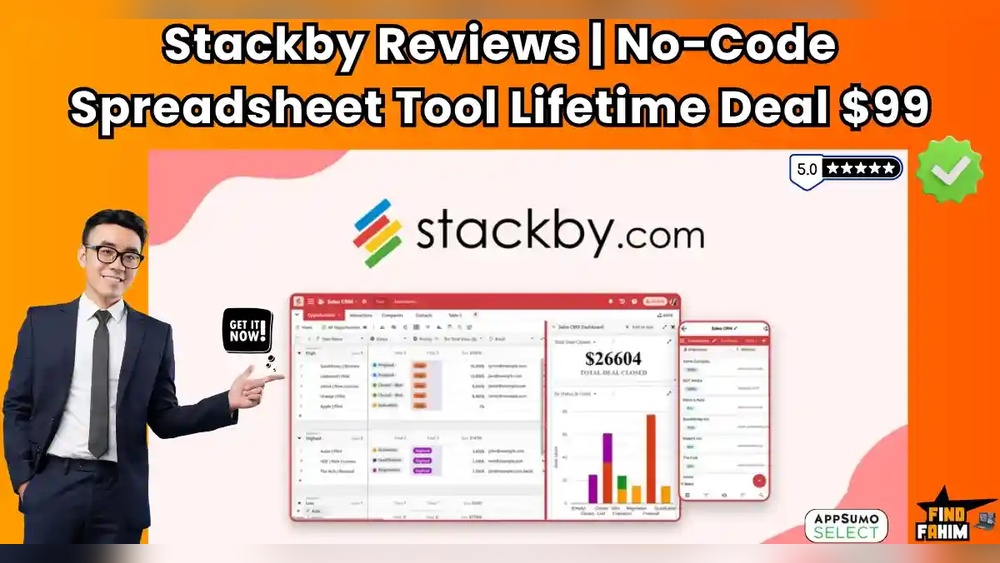
Are you tired of juggling multiple spreadsheets and CRMs that slow down your workflow? Stackby offers a smart solution to streamline your data management and automate repetitive tasks—all without needing technical skills.
Imagine building powerful databases from your familiar spreadsheets, customizing dashboards, and setting up automations that work like magic behind the scenes. Whether you want to track projects, analyze data, or design invoices, Stackby makes it simple and efficient. Curious how this tool can transform your daily operations and save you hours of manual work? Keep reading our detailed Stackby Lifetime Deal Review to discover the key features, benefits, and why this no-code platform might be the game-changer your business needs. Don’t miss out on unlocking your full productivity potential!
Introduction To Stackby And Its Lifetime Deal
Stackby is a versatile no-code tool that merges spreadsheets and databases. It helps users organize data and automate tasks easily. The Lifetime Deal offers a one-time purchase for long-term access. This deal provides great value for individuals and teams aiming to improve productivity.
Overview Of Stackby As A No-code Spreadsheet Database Tool
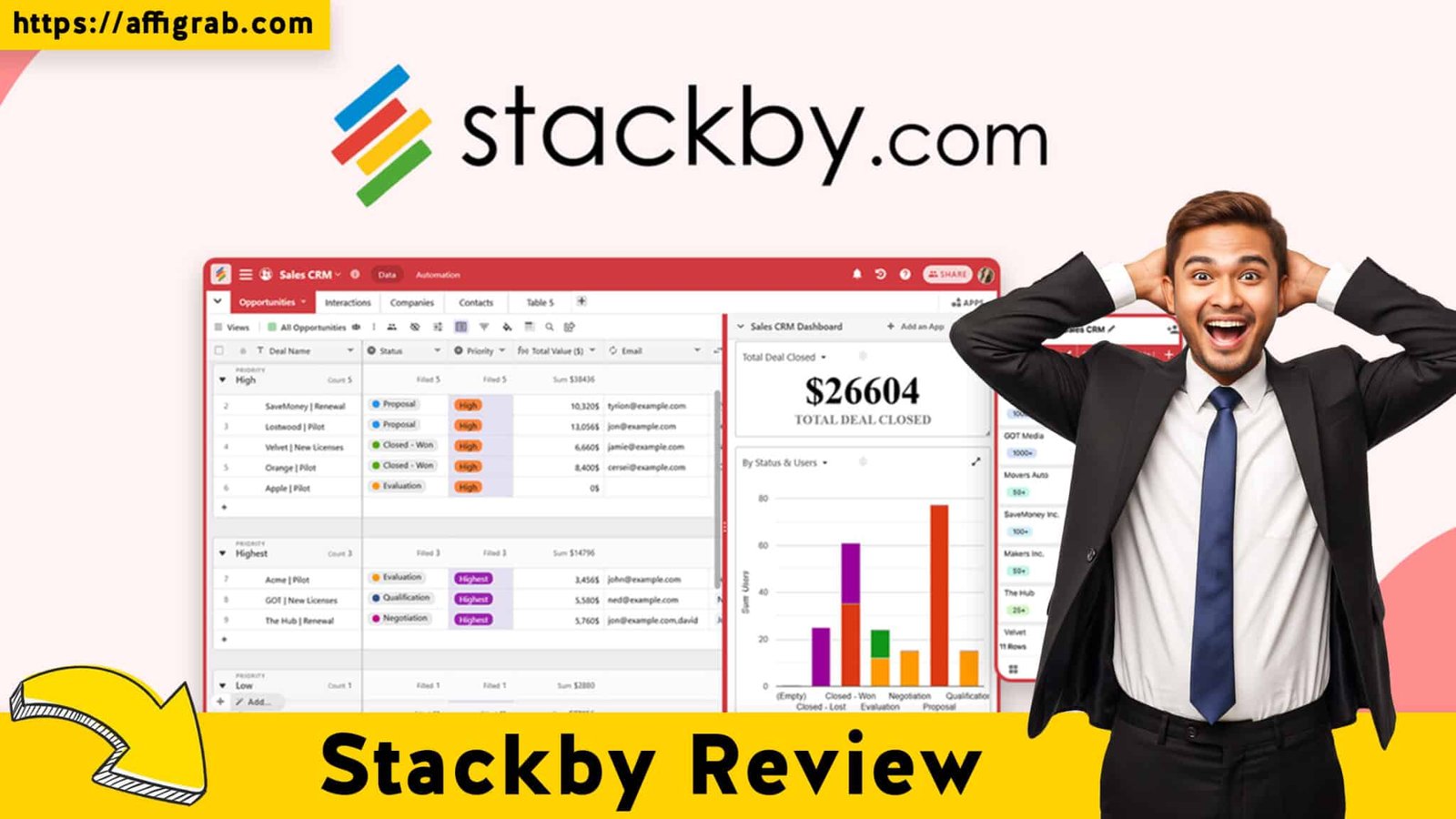
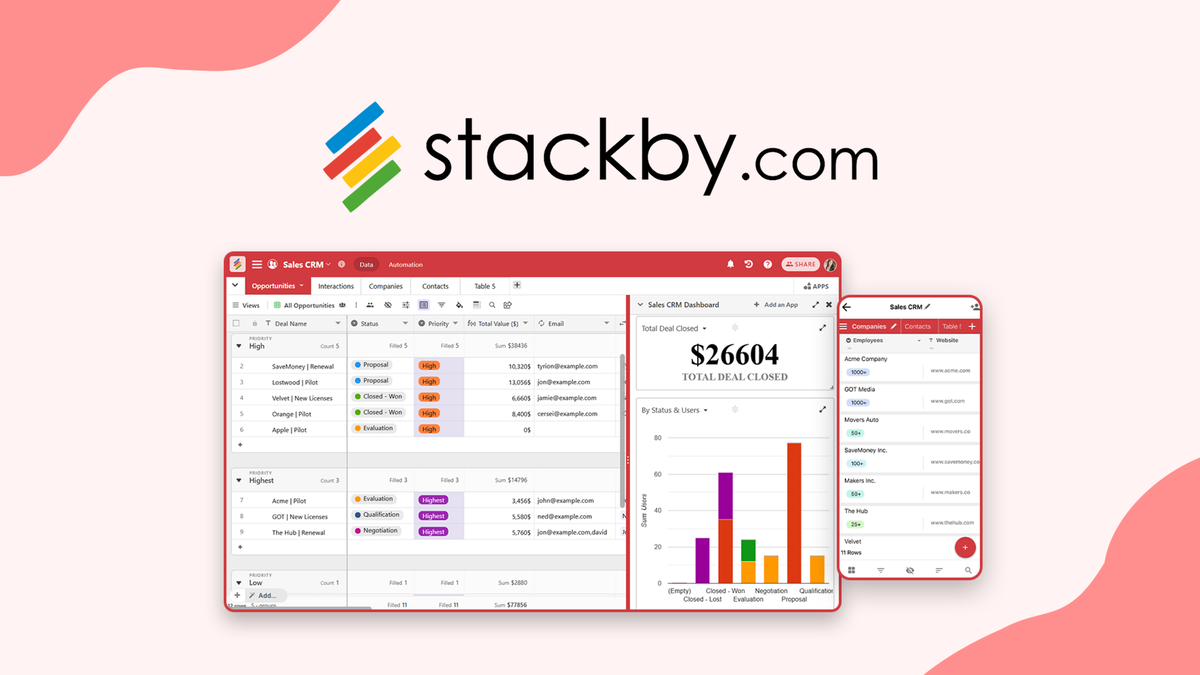
Stackby lets users build custom databases using familiar spreadsheet layouts. It supports various column types like dropdowns, attachments, and formulas. Users can visualize data in multiple views such as kanban, calendar, and timeline.
- Choose from over 1,000 pre-built database templates
- Import data from Google Sheets, Excel, or Airtable
- Create custom dashboards with charts, summary boxes, and goal trackers
- Design documents like invoices and quotes quickly
Automations are simple to set up, similar to Zapier workflows. Stackby reduces manual data entry and keeps information synced across platforms.
Purpose And Benefits Of The Lifetime Deal Offer
The Lifetime Deal enables users to pay once and use Stackby without monthly fees. It suits those who want long-term access without recurring costs.
| Benefit | Description |
|---|---|
| Cost Savings | One-time payment avoids ongoing subscription fees. |
| Full Feature Access | Unlock most core features for managing data and automation. |
| Scalability | Supports growing teams and expanding project needs. |
| Continuous Updates | Receive software improvements without extra charges. |
Why Stackby Appeals To Productivity Enthusiasts And Teams
Stackby fits users who want to simplify complex workflows. Productivity enthusiasts enjoy its no-code automations and easy data handling.
- Reduces switching between multiple apps and spreadsheets
- Facilitates team collaboration with shared access and comments
- Supports task management with checklists, assignees, and deadlines
- Real-time data updates keep everyone on the same page
Teams use Stackby to centralize project data and automate routine tasks. It brings clarity and speed to daily work.
Key Features That Set Stackby Apart
Stackby combines the simplicity of spreadsheets with powerful database tools. It helps manage data easily and automate tasks without coding. Its features support teams in organizing work, collaborating, and saving time.
Customizable Spreadsheets With Database Functionality
Stackby lets you build custom databases using familiar spreadsheets. You can:
- Choose from over 1000+ pre-built templates for quick setup
- Import data from Google Sheets, Excel, or Airtable
- Add column types like dropdowns, attachments, or formulas
- Visualize data in multiple views such as kanban, calendar, or timeline
This flexibility helps tailor your data exactly to your needs.
Automation And Workflow Integration Capabilities
Stackby automates repetitive tasks with easy-to-use workflows. Features include:
- Create Zapier-style automations without technical skills
- Automatically update records after form submissions or webhooks
- Send emails and WhatsApp messages automatically
- Sync multiple databases to keep all data fresh and consistent
These automations reduce manual work and speed up processes.
Real-time Collaboration And Team Management Tools
Teams can work together smoothly with Stackby. It offers:
- Real-time editing and instant updates for all users
- Shareable forms to collect data from customers or stakeholders
- Tools like comments, checklists, assignees, deadlines, and reminders
- Custom dashboards to track project progress and goals
These features improve communication and project management.
Extensive Api Integrations And Power-ups
Stackby connects with many apps to extend its power. Benefits include:
| Integration Type | Purpose |
|---|---|
| API | Link Stackby to other software and build custom workflows |
| Zapier-style Automations | Connect with apps like Gmail, Slack, and more |
| Power-Ups | Add new features and widgets to your dashboards |
These integrations make Stackby adaptable to many business needs.
Revision History And Data Security Measures
Stackby keeps your data safe and trackable by offering:
- Revision history to see all changes and restore previous versions
- Secure storage with regular backups
- Role-based access control to protect sensitive information
- Encrypted connections to safeguard data transfer
These measures build trust and protect your important data.
Pricing And Affordability Breakdown
Stackby offers flexible pricing options designed to fit different user needs. The Lifetime Deal presents a unique opportunity for long-term savings. Understanding its pricing structure helps users decide if it suits their budget and requirements. This section covers detailed pricing info, compares it with regular plans, and explains the value for small businesses and individuals.
Details Of The Lifetime Deal Pricing Structure
The Stackby Lifetime Deal provides a one-time payment for extended access. It includes:
- Unlimited access to core features without monthly fees
- A set number of rows and collaborators depending on the plan tier
- Access to pre-built templates and automation tools
This deal eliminates recurring costs, which can save money over years. Users pay once and use Stackby without worrying about subscription renewals. The pricing varies by the number of users and storage limits included.
Comparison With Stackby’s Regular Subscription Plans
| Plan Type | Billing | Cost | Key Features |
|---|---|---|---|
| Lifetime Deal | One-time payment | Varies by tier (e.g., $149 for basic) | Fixed collaborators, rows, automation, templates |
| Regular Subscription | Monthly/Annual | Starts at $5/user/month | Flexible users, higher limits, priority support |
The regular plans offer more scalability and ongoing support. Lifetime deals suit users with steady needs and smaller teams. Subscriptions allow growth without upfront large costs.
Cost Benefits For Small Businesses And Individual Users
Small businesses and individuals gain clear savings from the Lifetime Deal. Key advantages include:
- One-time payment reduces monthly overhead
- Access to automation and templates improves productivity
- Simple budgeting with no surprise fees
For startups or freelancers, the deal lowers entry costs and helps manage workflows efficiently. It fits users who prefer predictable expenses and long-term access.
Limitations And Upselling Options Within The Lifetime Deal
The Lifetime Deal has limits on rows, collaborators, and features. Users may encounter:
- Caps on database rows and storage space
- Limited number of users per account
- Restricted access to some premium features
Upselling options include upgrading to a regular subscription for:
- More collaborators and storage
- Advanced automation and integration features
- Priority support and training
These options help users expand their use as their needs grow beyond the lifetime deal limits.
Credit: affigrab.com
Pros And Cons Based On Real-world Usage
Stackby blends spreadsheets with database power to simplify work. Users praise its flexibility and ease, but some limits affect advanced needs. This section breaks down real-world advantages and drawbacks. Honest feedback shows how the lifetime deal shapes user experience.
Advantages: Flexibility, Ease Of Use, And Collaboration Features
Stackby offers great flexibility for managing data without coding skills. Users create custom databases from spreadsheets and choose from over 1000 templates. This helps save time and adapt to many tasks.
- Easy data import: Works with Google Sheets, Excel, and Airtable.
- Multiple views: Kanban, calendar, timeline, and more make data visualization simple.
- Custom columns: Dropdowns, attachments, formulas add depth to data.
Collaboration is smooth with real-time editing and sharing. Comments, checklists, and reminders keep teams aligned. Forms allow external users to submit data easily.
Drawbacks: Limitations In Power-up Access And File Upload Sizes
Some Power-Ups or advanced features have restrictions in the lifetime deal. This limits access to all automation and integration options.
| Drawback | Details |
|---|---|
| Power-Up Access | Limited number of automation and integration options available. |
| File Upload Size | Maximum file size uploads are smaller compared to paid plans. |
These limits can slow down workflows that depend on heavy files or complex automations.
User Feedback And Common Criticisms
Users like Stackby for replacing multiple apps with one tool. Many find it intuitive and helpful for organizing work.
Common complaints focus on:
- Power-Up restrictions that reduce automation freedom.
- File size limits that hinder large attachments.
- Some learning curve for advanced features.
Despite this, users appreciate ongoing updates and responsive support.
How The Lifetime Deal Influences User Experience
The Stackby Lifetime Deal offers long-term access at a fixed price. This appeals to users wanting stable costs.
- Good for those who need solid features without monthly fees.
- Limits on Power-Ups and uploads may require workarounds.
- Encourages efficient use of available tools.
This deal suits small teams and individuals focused on flexible data management and collaboration. It might not fit heavy automation users fully.
Who Should Consider The Stackby Lifetime Deal?
Stackby fits users who want to manage data simply and automate tasks easily. It blends spreadsheets and databases, making data handling clear and less time-consuming. The lifetime deal is ideal for those who need a one-time investment for long-term productivity.
This deal suits people who want good value without ongoing fees. It works well for small teams, project managers, and anyone aiming to improve workflow without complex tools.
Ideal Use Cases For Small Businesses And Startups
Small businesses and startups benefit from Stackby’s easy setup and flexible templates. They can build custom databases using familiar spreadsheet formats. This helps organize contacts, sales leads, and inventory without hiring experts.
- Manage customer information with custom forms
- Track sales and marketing campaigns in one place
- Create invoices and quotes quickly with built-in design tools
- Use automation to reduce repetitive tasks like follow-up emails
Stackby offers over 1000 templates to start fast. The lifetime deal removes monthly costs, saving money for growing teams.
Suitability For Project Managers And Remote Teams
Project managers and remote teams gain from Stackby’s collaboration features. Real-time updates keep everyone on the same page. Comments, checklists, and task assignments improve communication.
| Feature | Benefit for Teams |
|---|---|
| Kanban, Calendar, Timeline Views | Visualize project progress clearly |
| Shared Forms | Collect data from clients or team members easily |
| Automations | Send reminders and update tasks without manual work |
| Dashboards | Monitor goals and performance in real time |
Remote teams save time and reduce confusion by centralizing workflows. The lifetime deal offers long-term access to these tools at a fixed price.
When To Choose Stackby Over Competitors Like Airtable
Stackby stands out for users who want spreadsheet familiarity with database power. It allows adding formulas, dropdowns, and attachments directly in columns. The automation tools are strong yet simple to set up.
- Prefer spreadsheet-style editing over rigid database forms
- Need customizable views like kanban, calendar, and timeline
- Want built-in automations without advanced coding
- Value a one-time payment instead of subscription fees
Stackby imports data from Airtable and Google Sheets, easing migration. Choose Stackby for more control over data layout and affordable lifetime access.
Recommendations For Users Seeking Cost-effective Productivity Tools
The Stackby lifetime deal appeals to budget-conscious users needing solid productivity tools. It combines database, spreadsheet, and automation features in one platform.
- Save money by avoiding monthly subscription fees
- Use ready-made templates to start quickly
- Automate routine tasks like emails and data updates
- Collaborate easily with team members and clients
Stackby helps stretch limited budgets while improving work quality. The lifetime deal offers long-term value for those focused on cost-effective solutions.

Credit: www.youtube.com
Conclusion: Is The Stackby Lifetime Deal Worth It?
The Stackby Lifetime Deal offers a unique chance to own a versatile no-code database and automation tool. It merges the familiarity of spreadsheets with powerful data management and workflow automation. This deal suits users aiming to reduce time spent on manual data handling and app switching.
Summary Of Value Proposition And Key Takeaways
- Customizable Databases: Build and tailor databases with familiar spreadsheet features.
- Automation Capabilities: Set up Zapier-style workflows to automate routine tasks.
- Multiple Data Views: Visualize data as calendars, kanbans, timelines, and more.
- Collaboration Tools: Share forms, add comments, assign tasks, and track deadlines easily.
- Pre-Built Templates: Access over 1000 templates to jumpstart projects quickly.
- Real-Time Insights: Create dashboards with charts, goal trackers, and pivot tables.
- Integration Options: Import data from Google Sheets, Excel, Airtable, and sync multiple databases.
| Feature | Benefit |
|---|---|
| Customizable Tables | Adapt to different project needs without coding skills |
| Automations | Save time by automating emails, messages, and record updates |
| Collaboration | Work smoothly with teams and external partners |
| Data Visualization | Understand data quickly through multiple view options |
Final Thoughts On Productivity Impact And Roi
Stackby cuts down on tab switching and tedious data entry. It streamlines workflows and centralizes data in one place. Users report faster task completion and fewer errors.
The lifetime deal provides long-term value by eliminating recurring fees. It suits freelancers, small teams, and businesses seeking efficient data tools. The return on investment appears strong for those using its features regularly.
Where To Purchase And Next Steps For Interested Users
Visit the official Stackby website to explore the lifetime deal options. The purchase process is straightforward and secure. After buying, users can start by:
- Exploring pre-built templates to match their project needs.
- Importing existing data from spreadsheets or other platforms.
- Setting up automations to reduce manual work.
- Inviting collaborators and sharing forms for input.
Stackby’s interface is beginner-friendly, helping users onboard quickly. Support and tutorials are available to ease the learning curve.
Credit: appsumo.com
Frequently Asked Questions
What Are The Limitations Of Stackby’s Free Plan?
Stackby’s free plan limits file uploads to 2MB, revision history to 2 weeks, and offers basic real-time collaboration features only.
Is Stackby Good For Small Businesses?
Stackby suits small businesses by combining spreadsheet ease with powerful database features. It enables custom workflows, automation, and team collaboration efficiently.
What Are The Alternatives To Stackby?
Alternatives to Stackby include monday. com, Airtable, Smartsheet, Coda, and Notion. These tools offer similar spreadsheet-database hybrid features and collaboration options. Choose based on your workflow needs and budget.
How Secure Is Stackby?
Stackby ensures data security with SSL encryption, regular backups, and secure cloud hosting. It protects user data and supports safe collaboration.
Conclusion
Stackby offers a simple way to manage data and automate tasks. It combines spreadsheet ease with powerful database features. Users can create custom workflows without coding skills. The platform supports many templates and real-time collaboration. Visual tools help track progress clearly and quickly. Automations reduce repetitive work and save time daily. Teams gain better control over projects and information. Explore Stackby’s features and see if it fits your needs. Grab the lifetime deal here: Stackby Lifetime Deal.